
List
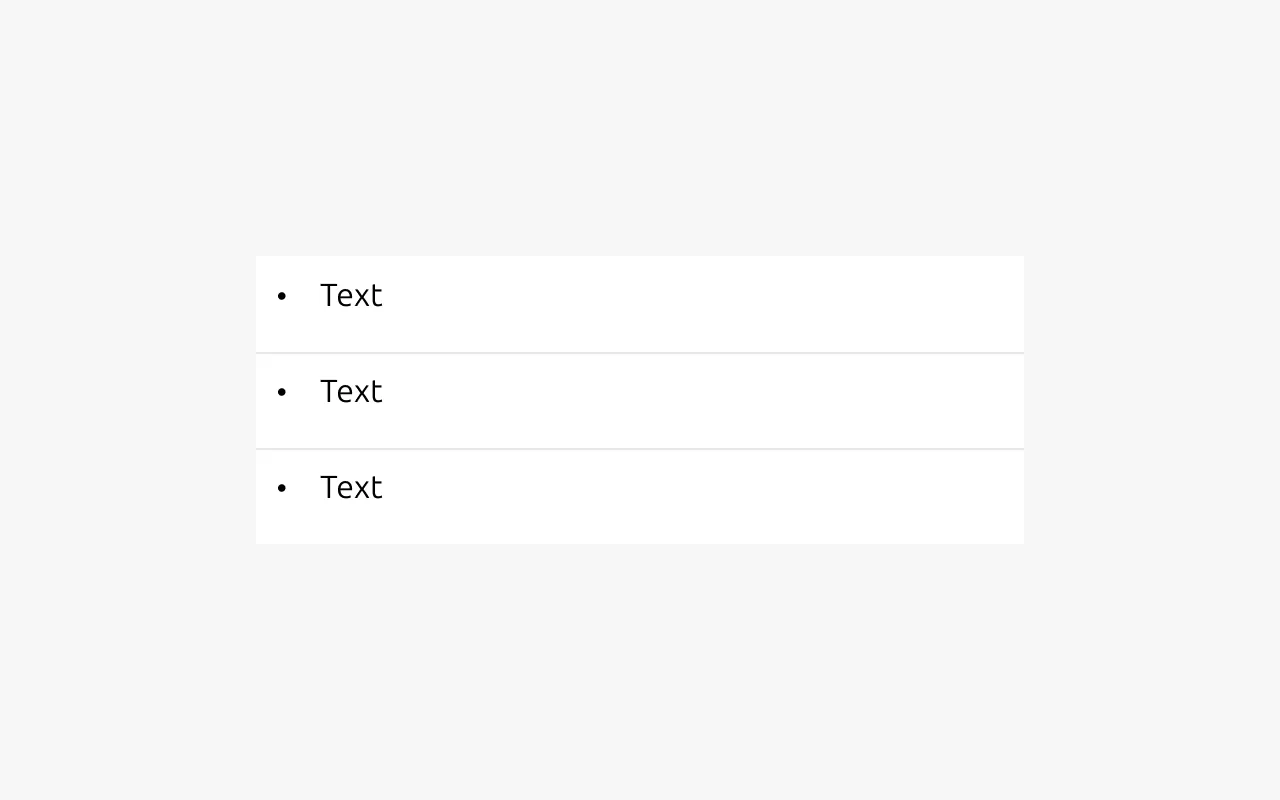
A list shows related pieces of information where each item represents a single attribute. Use a list to organize static content and create visual rhythm, making information easier to scan and understand. Lists are not interactive. Users can't modify, filter, or otherwise change their contents. List items can contain different types of data. If every item shares the same data type, or if any item needs to show more than one attribute, consider using a table instead.


Anatomy
Usage
Use a list to present a set of related items as a structured, scannable sequence. Lists work best when each item represents a single piece of information and the content benefits from visual separation rather than flowing prose.
When to use
- When showing multiple related pieces of text in an organized way
- When a table would contain only one column
- When presenting static information
- When showing steps in a process
- When showing a hierarchy of content without links
- When visualizing items that would otherwise appear as comma-separated text
When not to use
- To group multiple components such as buttons, images, or other UI elements
- To structure content inside other components
- To create a table of contents with links. Use the table of contents component instead
- To show a tree structure. Use the tree view component instead
- To show dynamic information that users can act on or change
- To present content with multiple attributes. Use a table instead
- To create a table without a header row
Orientation and nesting
Lists can be oriented vertically or horizontally. Use a vertical list when the content needs to show hierarchy, because only vertical lists support nesting. Vertical lists can be nested up to three levels deep, and each level may use a different marker style. Use horizontal lists only for flat content.
Markers and separators
Both horizontal and vertical lists support bullets, icons, numbers, or letters as markers. Numbers may be Arabic or Roman. You can use different marker types at each level of a nested list.
Lists also support separators. Vertical lists can only be separated with horizontal lines. Horizontal lists can use lines or bullets as separators. When bullets are used as separators in a horizontal list, no other marker may be used.
Lists versus tables
Do not use a list to recreate a table without headings. If the content includes multiple attributes or requires comparison across columns, use a table instead. When items belong to a single category, or to multiple categories that share no common attributes, a list is the appropriate choice.
Properties
| Name | Type | Required | Description | Constraint | Options | Default option |
|---|---|---|---|---|---|---|
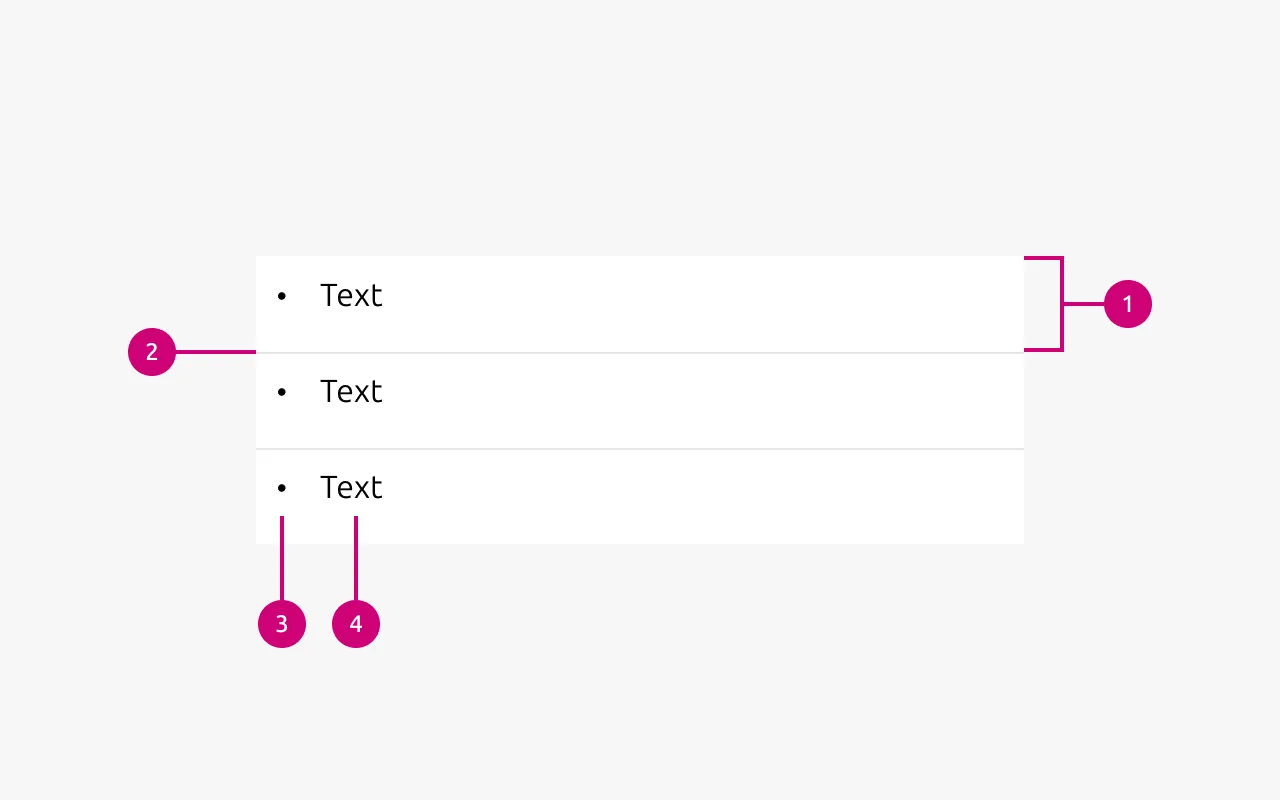
| List | slot | Yes | The grouping of multiple list items. | Minimum 2. Maximum 10 items. | - | - |
| Orientation | single select | Yes | Whether the list is displayed horizontally or vertically. | - | Vertical, horizontal. | Vertical |
| Text | string | Yes | Sets the content of the list | Up to 250 characters | - | - |
| Marker | single select | No | Decorator for a single list item. | All items in the same level of nesting must have the same marker type. No marker allowed when using dots to separate horizontal lists. | None, bullet, roman number, arabic number, alphabet letter, icon | Bullet |
| Divider (vertical list) | boolean | No | Whether has muted rule between list items | - | true, false | true |
| Divider (horizontal list) | single select | No | Whether the list has vertical line as a separator or a dot. | Dot-separated lists can’t have markers. | None, line, dot | line |
| Nesting level | number | No | Hierarchical list structures | Only vertical lists. | 1-3 | 1 |
Change log
| Who | When | What |
|---|---|---|
| Daniel Mutis | 13.04.2026 | Initial commit |
Decision log
| Where | Decision made | Link |
|---|---|---|
| Documentation project | The list only displays static text. Links are their own component, so in that case list would be used as a spacing component more than just a simple way to group items. This also opens the door to use the list for any other component, in which rules should probably be considered (groups of cards, buttons, etc). | - |